

We’ve all been there. It’s 9:00 PM on a Sunday, and you’re staring at a pile of crumpled receipts on your dashboard—or worse, trying to reconstruct your expenses from a "washed" piece of paper you found in your jeans.
For years, my amazing wife had to spend her weekends tallying up these survivors just so we could be ready for tax season. It was slow, it was frustrating, and honestly? It was costing us thousands in missed deductions.
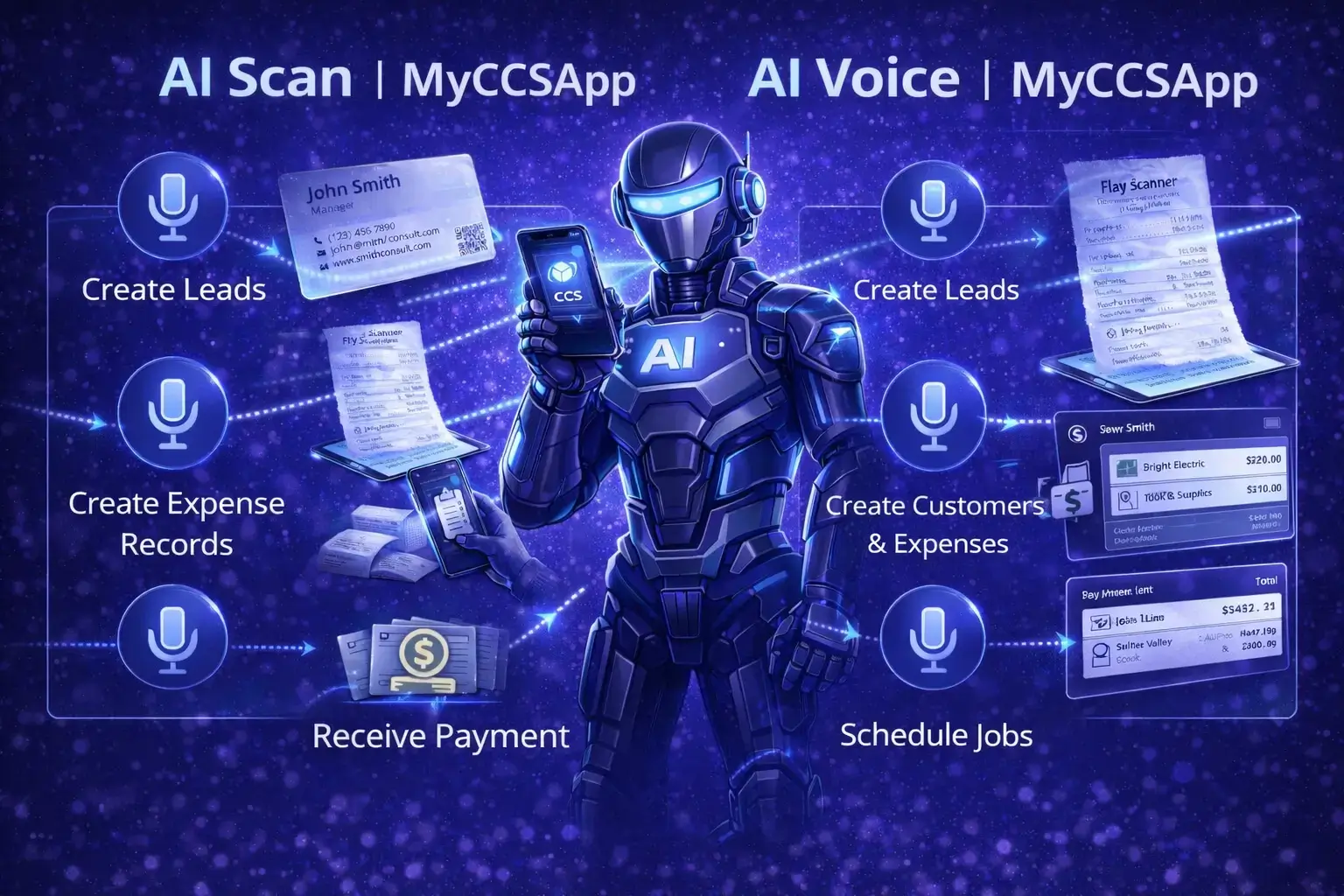
This is why we built the MyCCSApp AI Assistant—to act as a digital project manager that handles the data entry so you can focus on the job site, not the paperwork.
Method 1: The AI Vision Scanner
The fastest way to clear your dashboard. Just point your camera at any receipt, and our AI "reads" the vendor, date, and total amount instantly.
Method 2: Hands-Free Voice Logging
Sometimes you're driving or your hands are full of gear. Just tell MyCCSApp what you spent, and it drafts the expense for you. You'll get a quick confirmation modal where you can snap a photo of the receipt to lock it in forever.
Try saying: "Spent $35.19 on lunch at Texas Roadhouse March 23"
AI & Expense Management FAQ
How does the AI Assistant actually save me time?
Can I export these for my accountant?
Is it difficult to move my data from Jobber or Housecall Pro?
Is the AI Assistant included in the $14.99 Starter plan?
Explore More Like This

Ready to reclaim your weekends?
Get started for $14.99/mo. Try it free for 14 days.
Start Your 14-Day Free Trial