
Maid Services: Organize Your Crews & Delight Clients.
Running a residential cleaning business is all about trust, consistency, and clear communication. MyCCSApp helps you schedule jobs quickly, give your crews clear instructions, track when work starts and finishes, and generate invoices automatically — all from one simple system.
- Easy Job Scheduling
- Clear Crew Instructions
- Clock In / Out Tracking
- Job Completion Photos
- Automatic Invoicing

Built for residential cleaning.
Ideal For:
- Maid Services
- Independent Housekeepers
- Vacation Rental Turnovers
- Move-In / Move-Out Crews
- Carpet Cleaners
The Benefits:
- Never Miss a Cleaning
- Consistent Quality
- Eliminate No-Shows
- Simple Payroll
- Get Paid Faster
01. Scheduling
Schedule jobs fast — no confusion.
Scheduling maid services should be simple, not complicated. Quickly schedule one-time or repeat jobs in seconds. Each job includes the exact date, time, location, and assigned crew — keeping everyone aligned without back-and-forth calls or texts.

02. Job Instructions
Give your crews clear direction every time.
Instead of paper notes or forgotten instructions, add detailed job notes directly to each cleaning appointment. Include access instructions, special requests, problem areas, or homeowner preferences so your crew knows exactly what to do before they arrive.
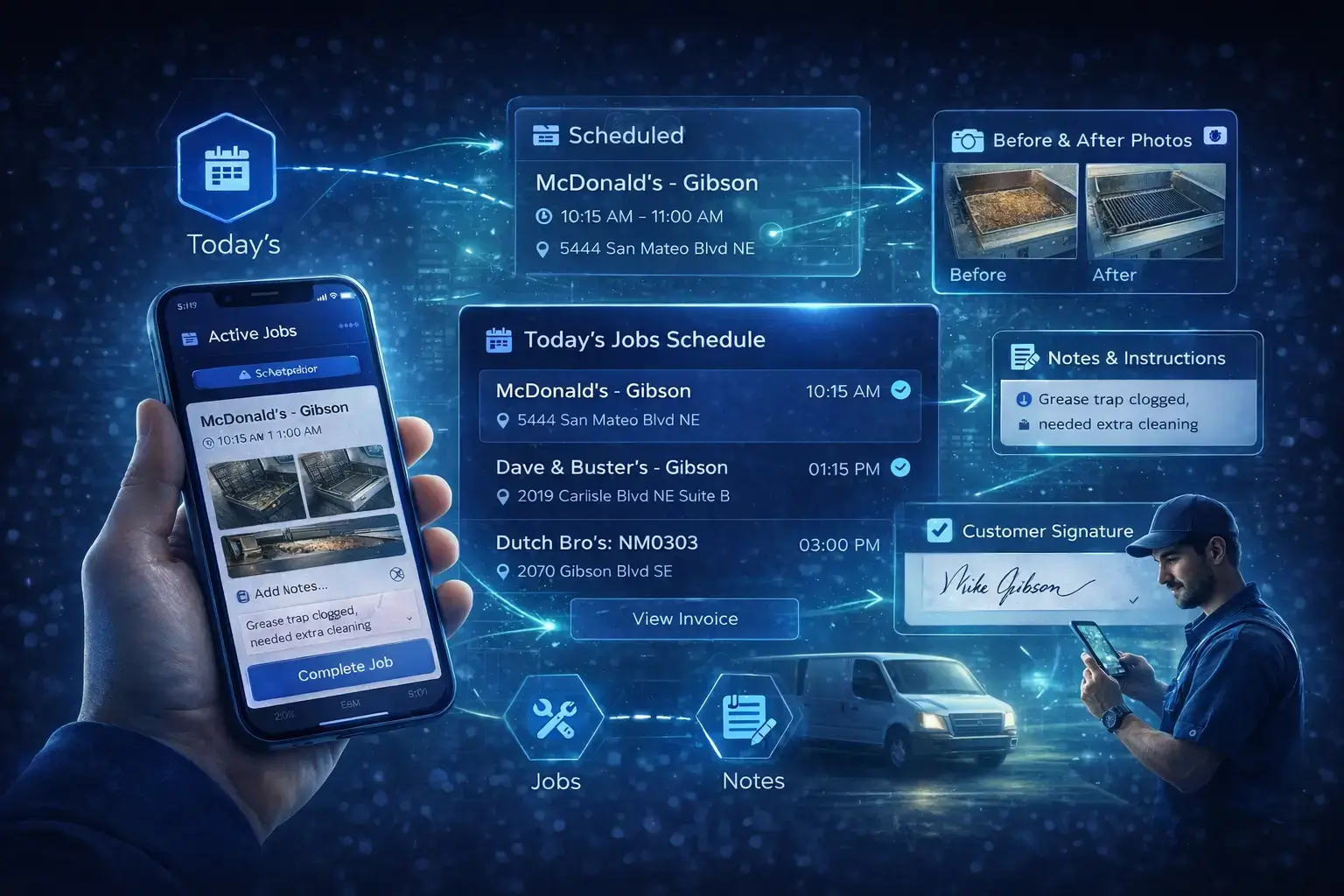
03. Crew Accountability
Know when work starts — and when it’s done.
Employees clock in and out directly from the app and mark jobs as In Progress and Completed. When a job is finished, crews can upload photos and notes, giving you real-time visibility into where your team is and what’s been completed — without micromanaging.
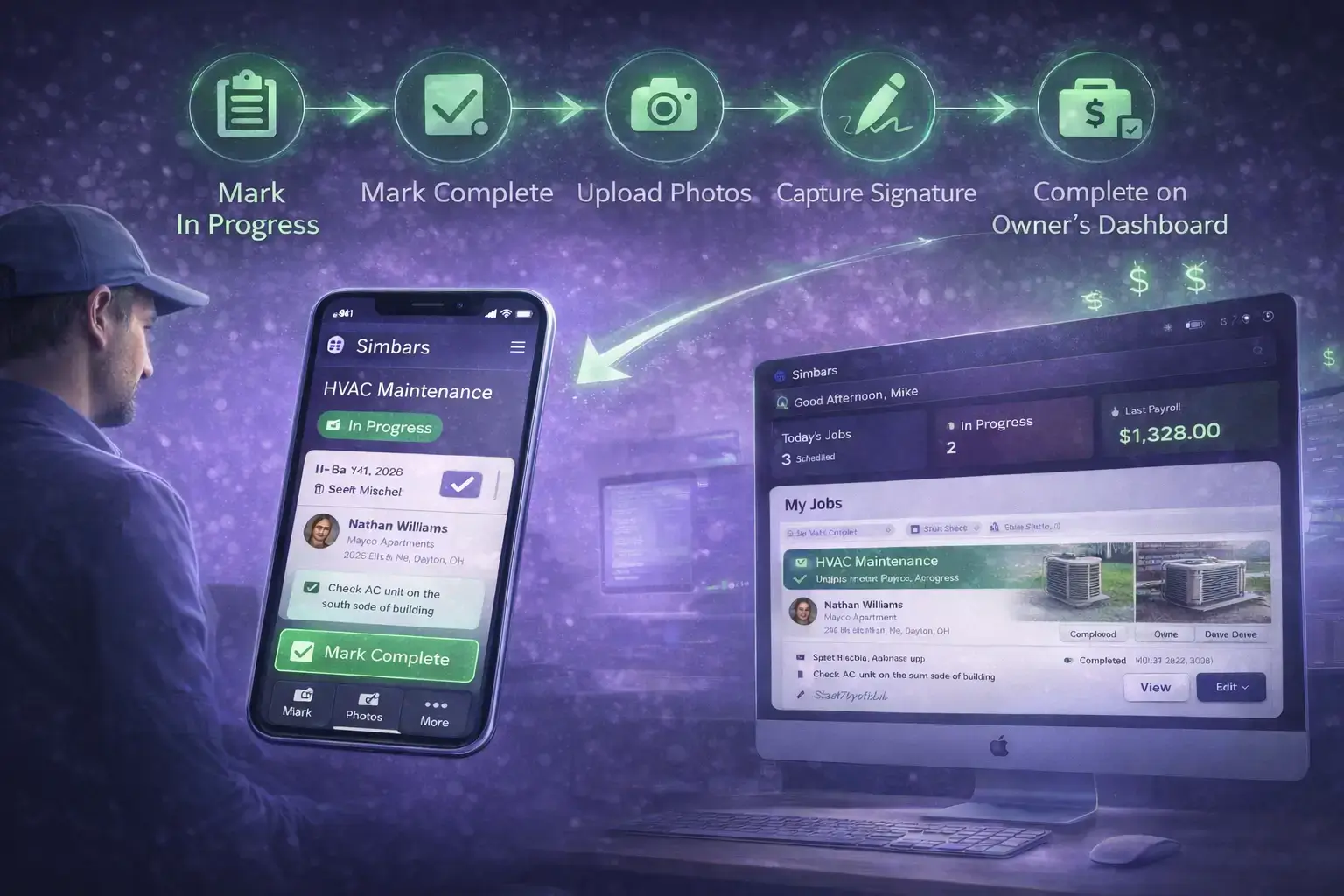
04. Invoicing
Turn completed jobs into invoices automatically.
As soon as a job is marked complete, MyCCSApp automatically creates an invoice for review. Owners and managers can approve, download, and email invoices instantly. Payments can be recorded manually, giving you clean records without paperwork.
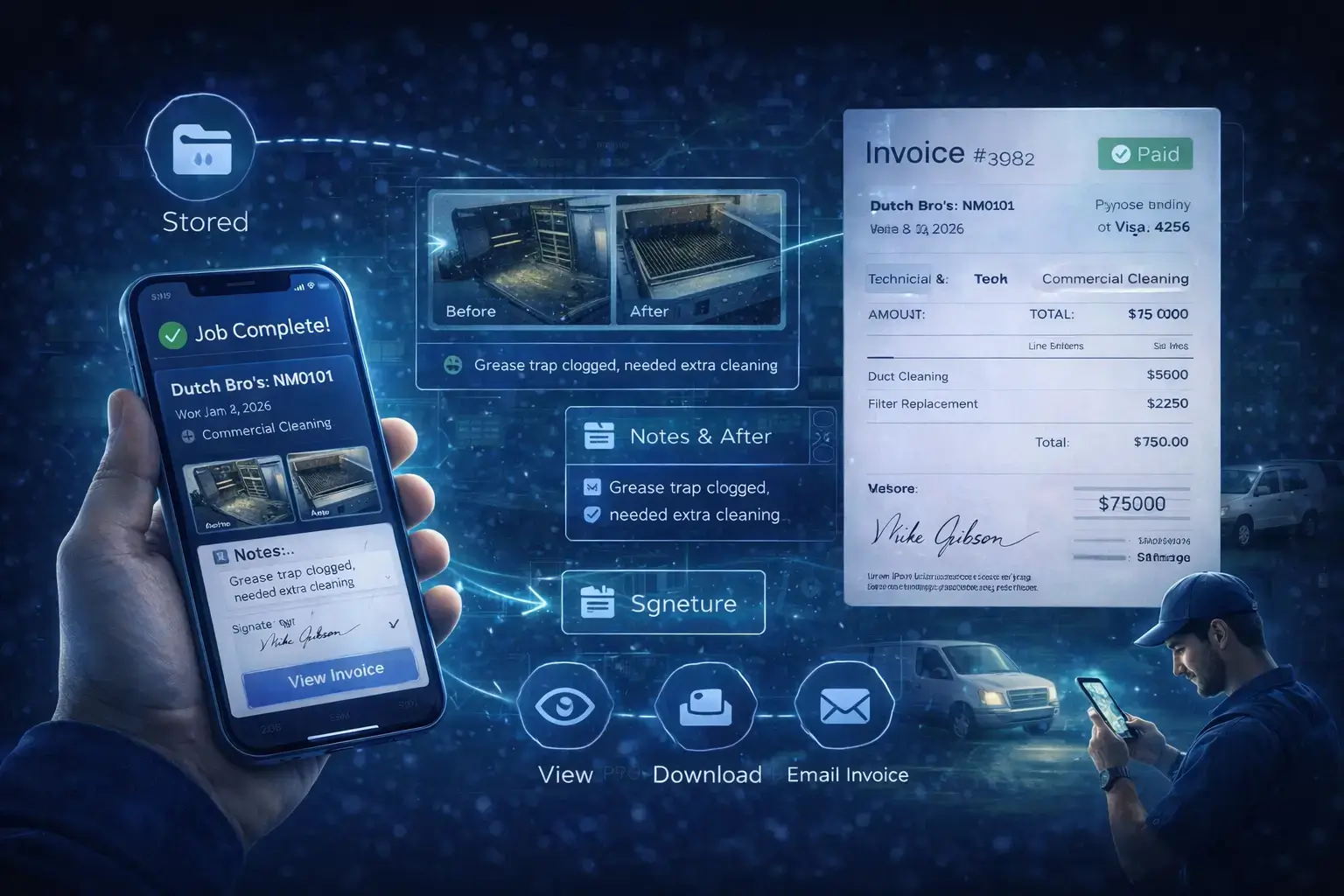
Everything connected in one platform.
Tools designed to help you organize your maid service and impress your clients.
House Preferences
Save important notes like "Use pet-safe products" or "Call before arrival" directly on the customer profile.
SMS Reminders
Keep your team informed with job updates and internal notifications so nothing slips through the cracks.
Expense Tracking
Log cleaning supplies, fuel, and job-related expenses to better understand profitability.
Payroll-Ready Time
Clock-in and clock-out data flows into payroll reports, reducing errors and saving admin time.
Key & Entry Notes
Store gate codes, alarm details, and access instructions securely with each job.
Invoice Records
Track sent, paid, and outstanding invoices with a clear record of customer payments.
Simple pricing that scales with you.
Try MyCCSApp free for 14 days.
Streamline your dispatch, impress your customers, and never lose an invoice again. Built for service businesses that want to grow.
Try It FreeFrequently Asked Questions
What is maid service software?
MyCCSApp helps maid services manage scheduling, crews, job tracking, and invoicing in one place — giving owners real-time visibility and accountability.
How do my cleaners track their work?
Cleaners clock in and out via mobile time tracking, mark jobs in progress and completed, and can upload photos and notes from the app.
Can I add job instructions for my crew?
Yes. Each job supports detailed notes and checklists so your team knows exactly what’s expected.
How does invoicing work?
Invoices are automatically created when jobs are completed. Owners can approve, download, and email invoices, then record payments once received.
Is there a free trial?
Yes. You can try MyCCSApp free and see how it fits your workflow before committing. Start your 7-day trial today.