
Run Your Entire HVAC Operation on One Unified System.
Juggling emergency calls, scheduled maintenance, and parts tracking? MyCCSApp brings everything together into one clean operating system built specifically for HVAC contractors.
- Smart Dispatching
- Maintenance Tracking
- Parts & Expenses
- One-Click Invoicing
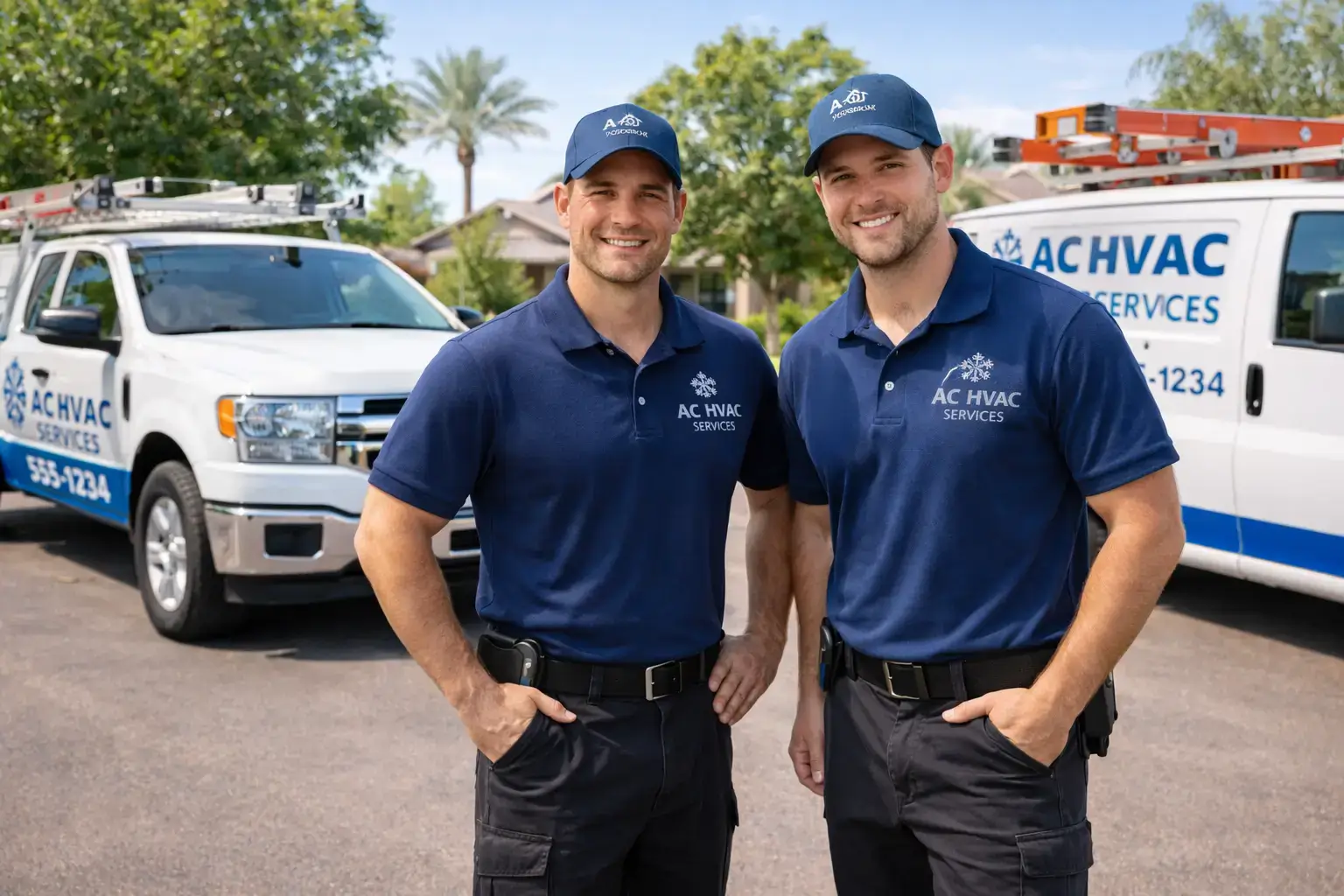
Built for HVAC workflows.
Ideal For:
- Residential Service
- Commercial HVAC
- Emergency Repairs
- Maintenance Contracts
- Multi-Truck Fleets
The Benefits:
- Faster Dispatching
- Accurate Parts Tracking
- Instant Invoicing
- Automated Payroll
- Real-Time Visibility
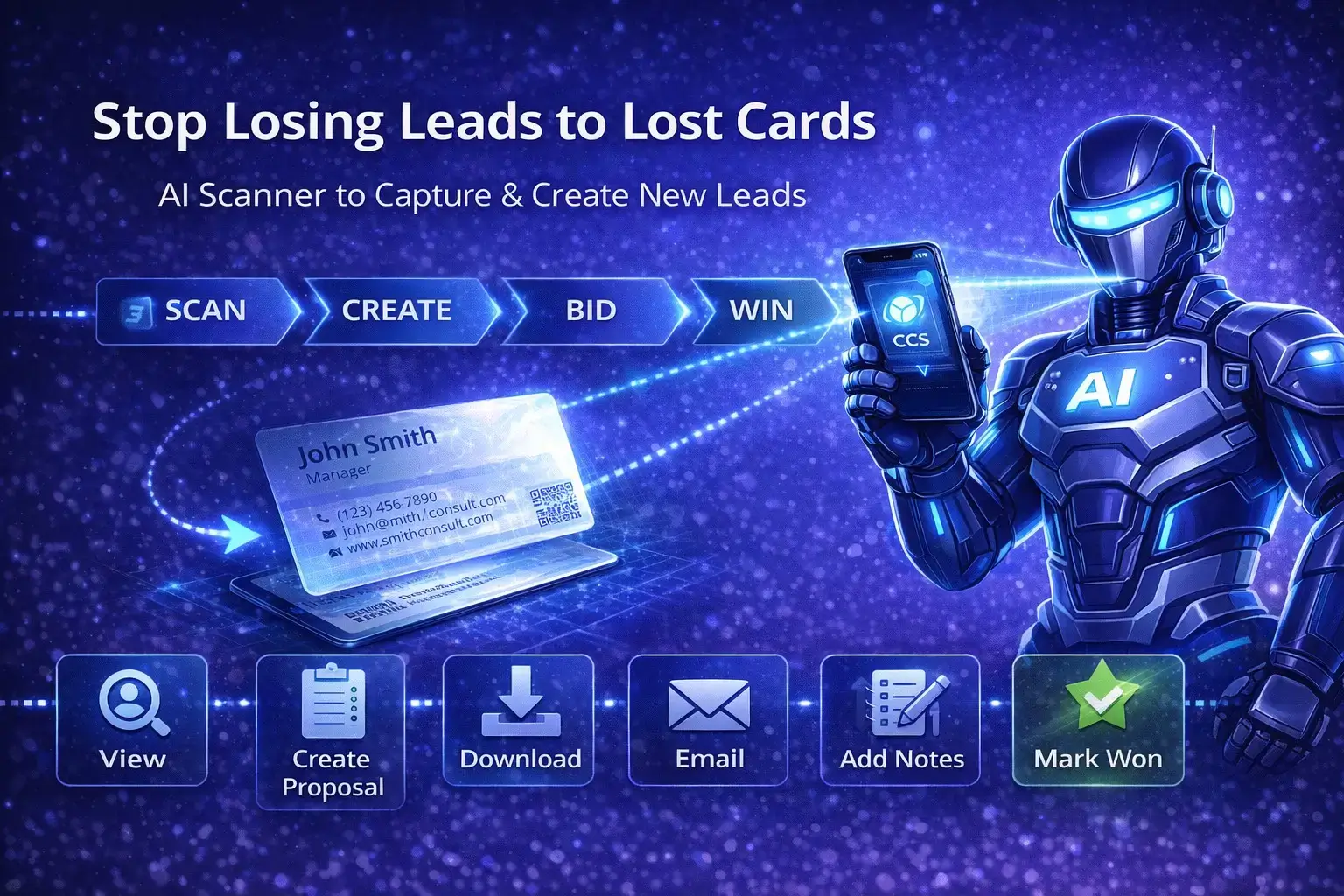
01. Capture Every Call
Lead & call management so nothing slips through.
Capture every service request, emergency call, or maintenance inquiry in one place. Track customer details, equipment history, and notes instantly. No more sticky notes or forgotten callbacks.
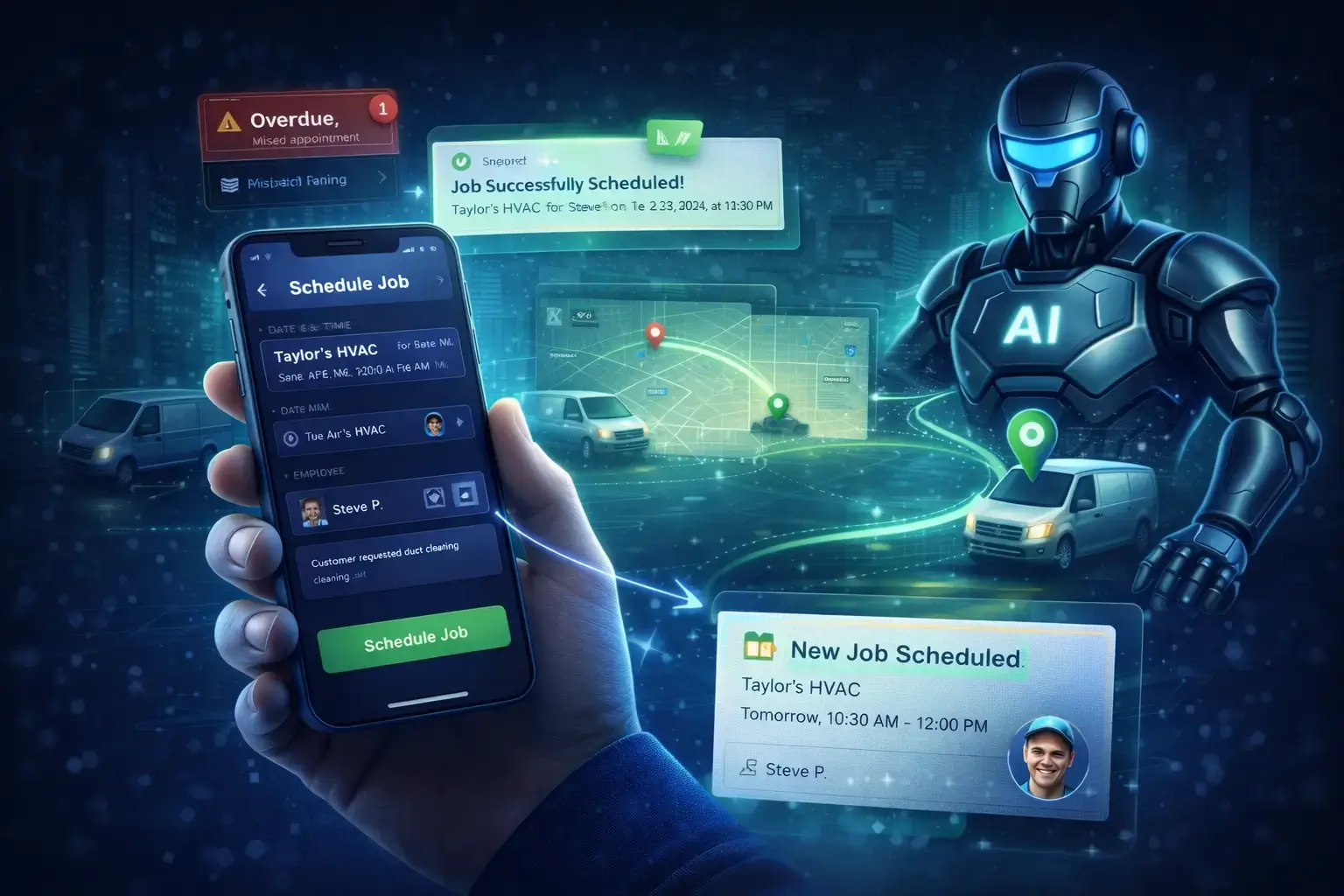
02. Smart Dispatch
Get the right tech to the right job.
Dispatch jobs instantly to mobile dashboards with service notes, equipment history, and customer instructions. Technicians see their real-time schedule, keeping trucks moving efficiently.
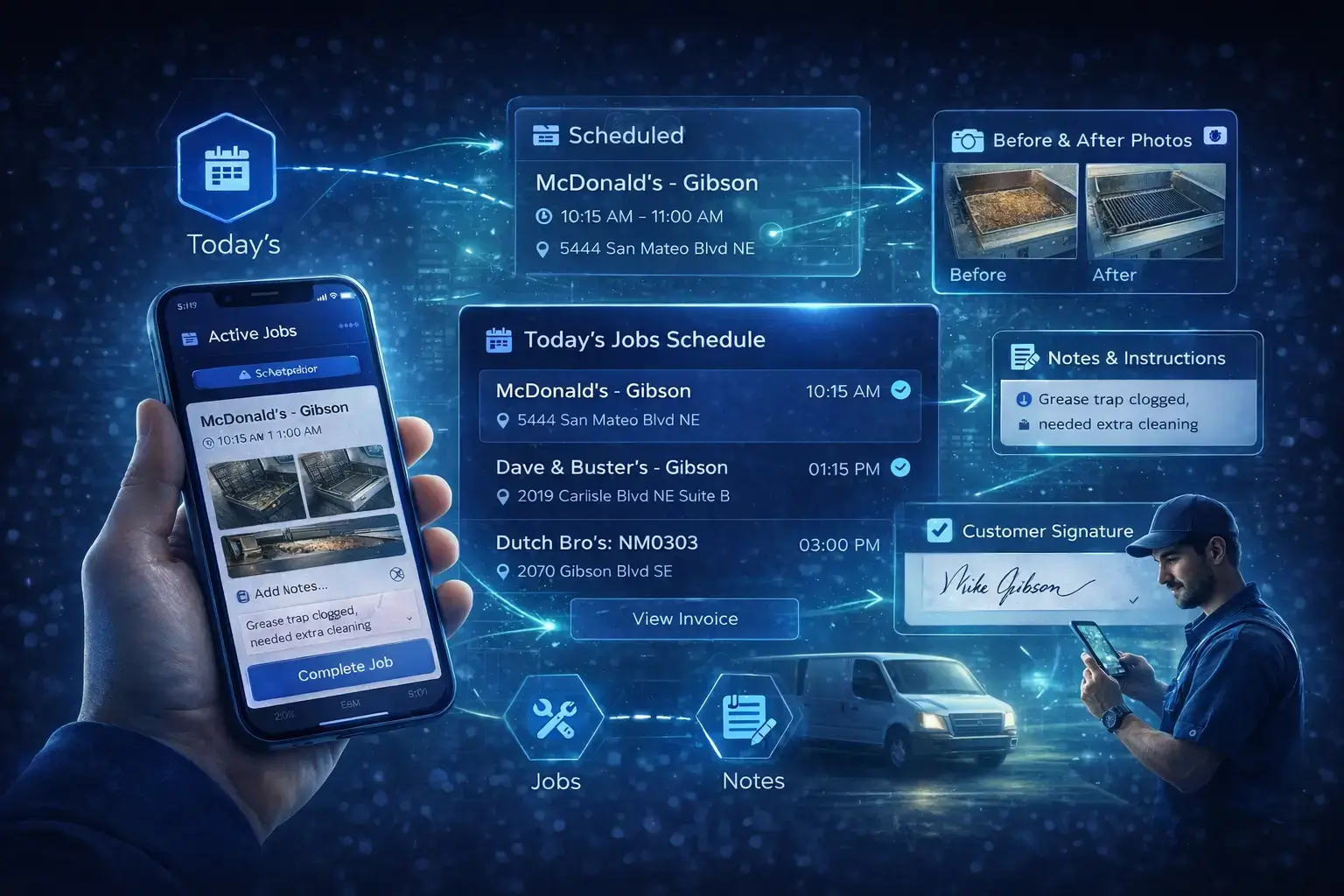
03. Field Tools
Powerful mobile dashboard for technicians.
Technicians can clock in, view jobs, mark progress, add photos, and capture field expenses directly. Everything automatically ties back to the job and customer record—no paperwork required.
04. Instant Invoicing
Turn completed jobs into cash faster.
The moment a job is marked complete, MyCCSApp prepares the invoice automatically. Review it, email it, and collect payment instantly—even same-day. No more end-of-week billing marathons.
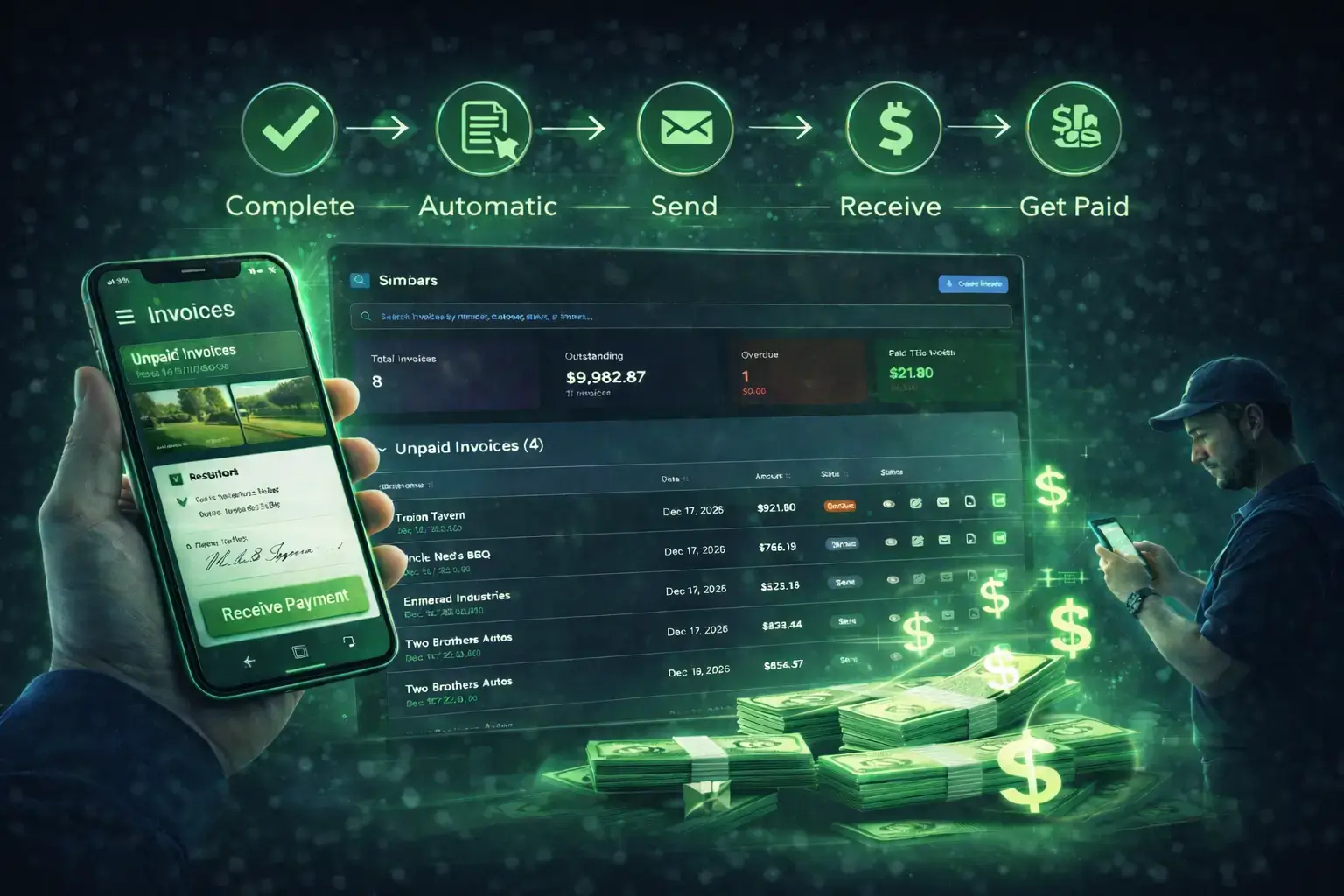
Everything connected in one platform.
Stop piecing together tools that don’t talk to each other. Get one system where every action feeds the next step automatically.
Parts & Expense Tracking
Snap photos of receipts and track supplies instantly. Know exactly where your money is going and which jobs are profitable.
Payroll-Ready Time
Technicians clock in/out from their dashboard. Hours flow automatically into payroll reports without manual calculations.
AI Voice Commands
"Schedule a furnace repair for tomorrow." Use voice tools to create leads, jobs, and expenses while you work.
One Login
Replace your scheduling software, CRM, invoicing app, and time tracking spreadsheets with one unified platform.
Real-Time Visibility
Owners get full visibility into revenue, jobs, payroll, and profitability without chasing down reports.
Maintenance History
Keep a clear history of equipment, service calls, and customer notes so any technician can pick up where the last one left off.
Simple pricing that scales with your business.
Try MyCCSApp free for 14 days.
Streamline your dispatch, impress your customers, and never lose an invoice again. Built for service businesses that want to grow.
Start Your Free TrialFrequently Asked Questions
What is HVAC business software and how does MyCCSApp help?
HVAC business software manages the day-to-day operations of service companies. MyCCSApp brings everything into one system: scheduling and dispatching, job tracking, employee management, invoicing, expenses, and payroll-ready reports accessible from any device.
Is MyCCSApp built for residential and commercial HVAC businesses?
Yes. MyCCSApp supports both residential service calls and commercial facilities contracts. The system handles recurring maintenance agreements, one-time repairs, and multi-location customers with ease.
How does scheduling and dispatching work for HVAC technicians?
Scheduling HVAC jobs is fast and flexible. You can create jobs in seconds and assign them to techs. Technicians see their specific dashboard with addresses, notes, photos, and customer details, reducing drive time and delays.
Can HVAC technicians clock in and out from the field?
Yes. HVAC employees can clock in and out directly from their mobile dashboard. Shifts are automatically tied to the technician and job, creating accurate, payroll-ready time records without manual timesheets.
How does invoicing work for completed jobs?
When a job is marked complete, MyCCSApp automatically generates an invoice. You can approve and email invoices directly to customers, download professional PDFs, and track payment status in real time to get paid sooner.
How does the AI Scanner handle HVAC expenses and receipts?
Expenses are tracked in real time. Staff can scan receipts using the AI Scanner, which automatically pulls data to create expense records or attach them to vehicles and equipment.
How does MyCCSApp help HVAC businesses manage sales leads?
MyCCSApp includes lead management tools to capture opportunities. You can create leads manually or via AI scanning of business cards, log call notes, and track conversions to grow your business.
Can MyCCSApp replace software like Jobber or ServiceTitan?
Yes. MyCCSApp is designed to replace complex enterprise tools with a simpler, more affordable all-in-one system built specifically for small HVAC contractors. See our comparison vs. Jobber and ServiceTitan.
Is it easy to set up and manage everything from a phone?
Very easy. Most businesses start by importing their customer list and scheduling jobs immediately. Owners can manage dispatching, invoices, expenses, and payroll reports entirely from a mobile device.
Can MyCCSApp grow with my HVAC business?
Absolutely. As you scale, you can add more technicians, vehicles, and customers without needing to switch platforms or retrain your team.
How do I get started with MyCCSApp?
Start your 14-day free trial, import your customers, and schedule your first job. MyCCSApp is priced to be affordable for growing HVAC companies, with plans starting far below enterprise competitors.