Everything Your Service Business Needs — In One System

MyCCSApp replaces scattered tools with a single, connected operating system. From first lead to final payment, it’s all built to work together.

No syncing. No double entry. No duct-taped workflows.

🔄 One Source of Truth

All data lives in one system — leads, customers, jobs, invoices, payroll, and assets are always connected.

🚛 Built for the Field

Mobile-first workflows designed for real job sites, trucks, crews, and fast decisions.

📈 Designed to Scale

Start simple. Add automation, AI, reporting, and advanced workflows as your business grows.

Sales Leads & Pipeline

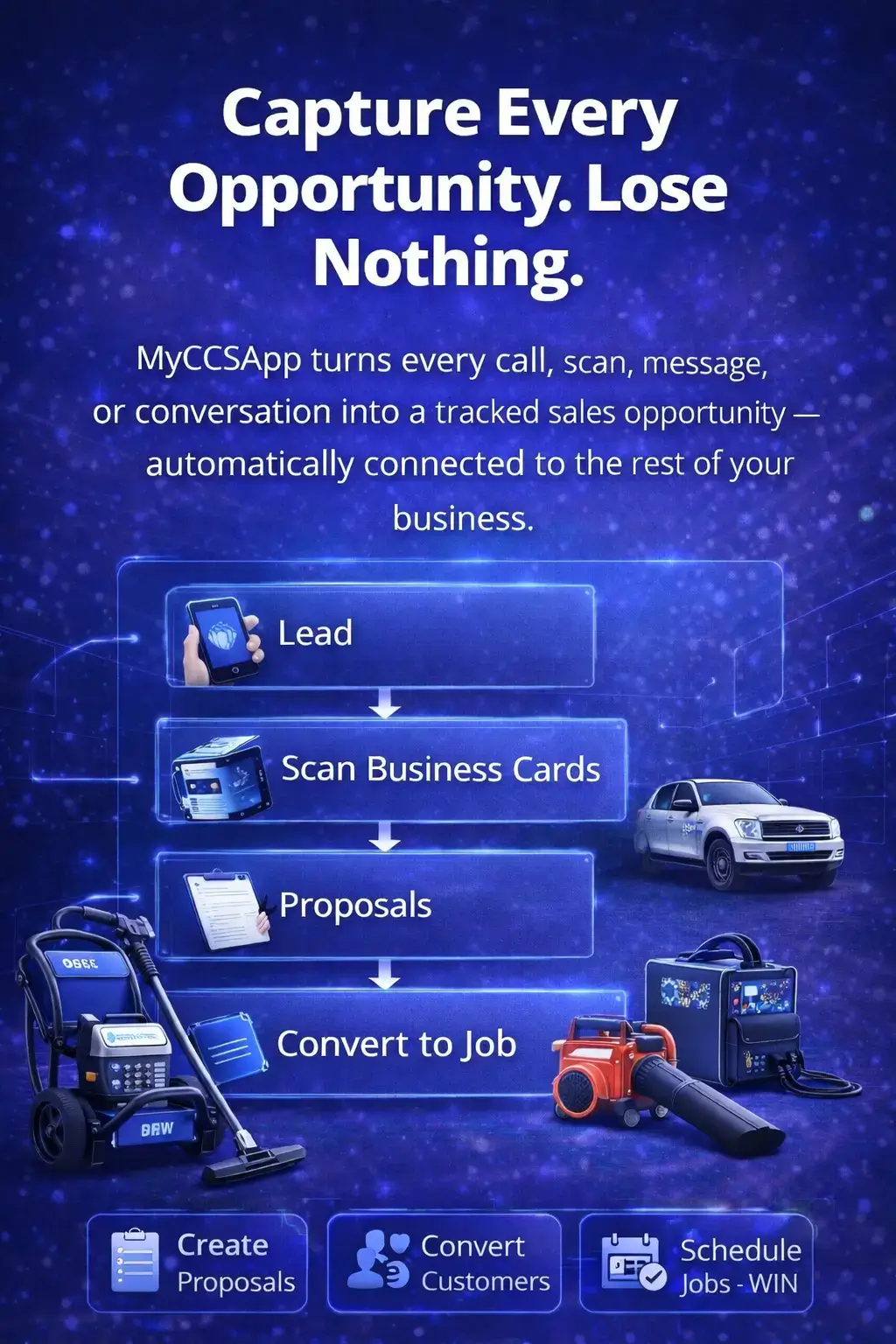
Capture Every Opportunity. Lose Nothing.

MyCCSApp turns every call, scan, message, or conversation into a tracked sales opportunity — automatically connected to the rest of your business.

  • Visual sales pipeline with clear stages
  • AI Business Card Scanner
  • Proposals built-in
  • One-click conversion to Job
Pain Relief No more forgotten leads. No more guessing what happened. No more rebuilding context later.
Visual sales pipeline dashboard showing lead stages and AI business card scanner interface

Customer CRM

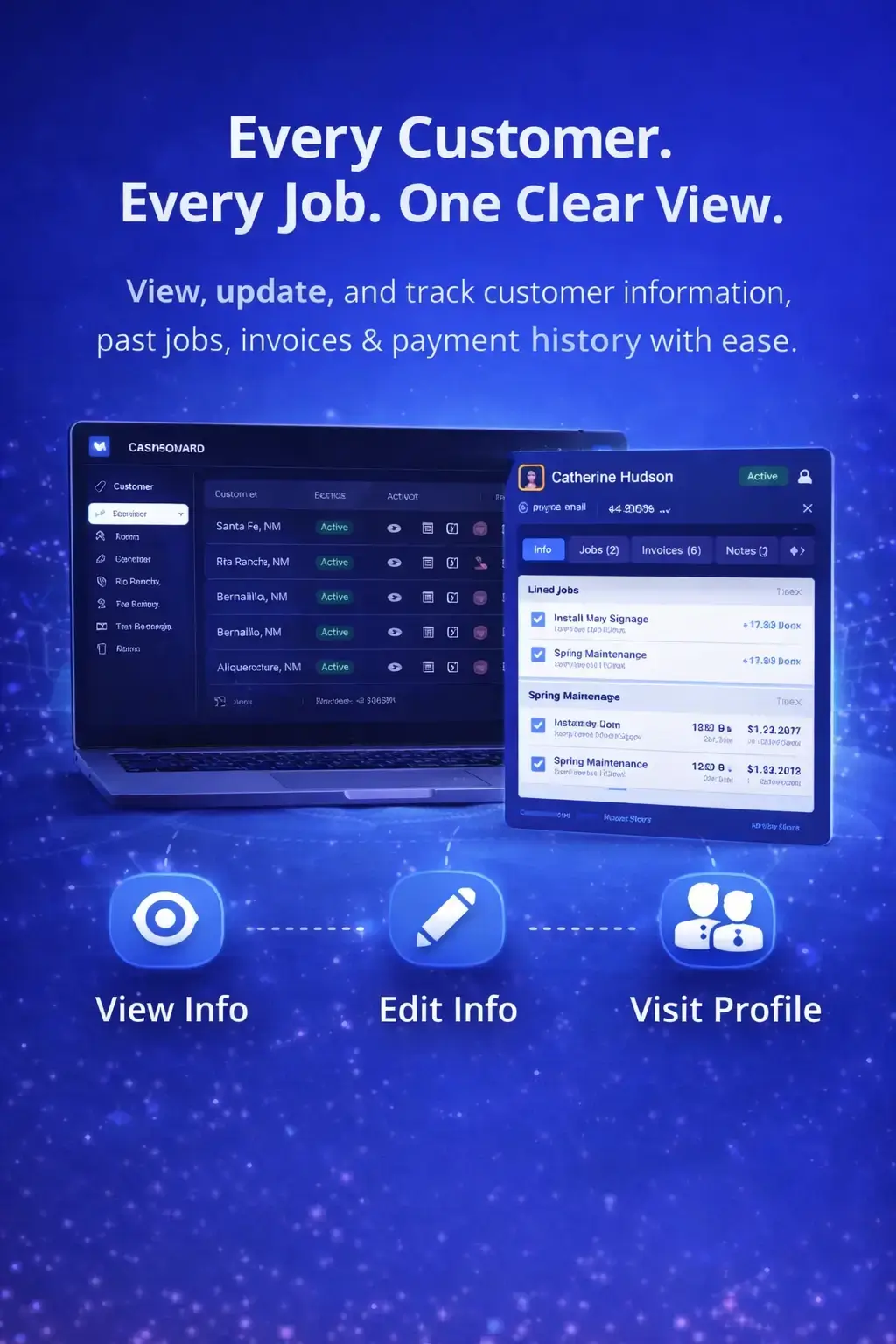
Every Customer. Every Job. One Clear View.

Customers aren't static records — they're living timelines. Get a full, birds-eye view of every relationship from first contact to last invoice.

  • Centralized customer history
  • Linked jobs, invoices, and notes
  • Role-based access for staff
  • Mobile-first access in the field
Pain Relief No more searching across systems. No more "who handled this?" moments. Everything is exactly where you expect it.
Mobile CRM interface showing centralized customer job history and linked invoicing timelines

Scheduled Jobs & Dispatch

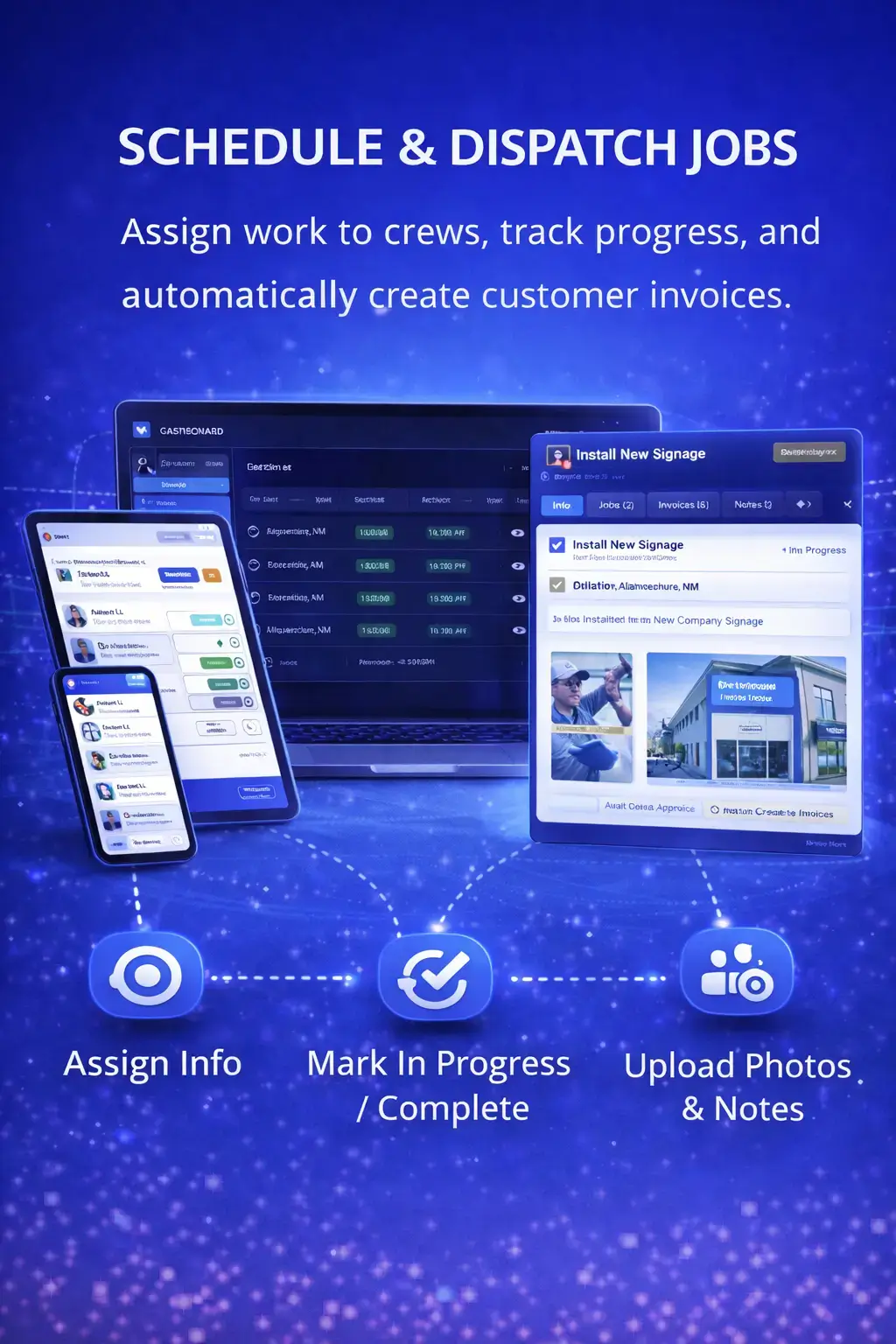
From Schedule to Job Complete — Without Friction

Handle real-world scheduling: recurring jobs, emergency calls, crew assignments, and job tracking — all connected in real time.

  • Visual scheduling and dispatch
  • Built for recurring and one-off work
  • Time & photos captured on-site
  • Automated data flow to payroll
Pain Relief No more whiteboards. No more text chains. No more wondering if a job was actually done.
Field service dispatch board showing visual job scheduling and real-time crew assignments

Invoices & Payments

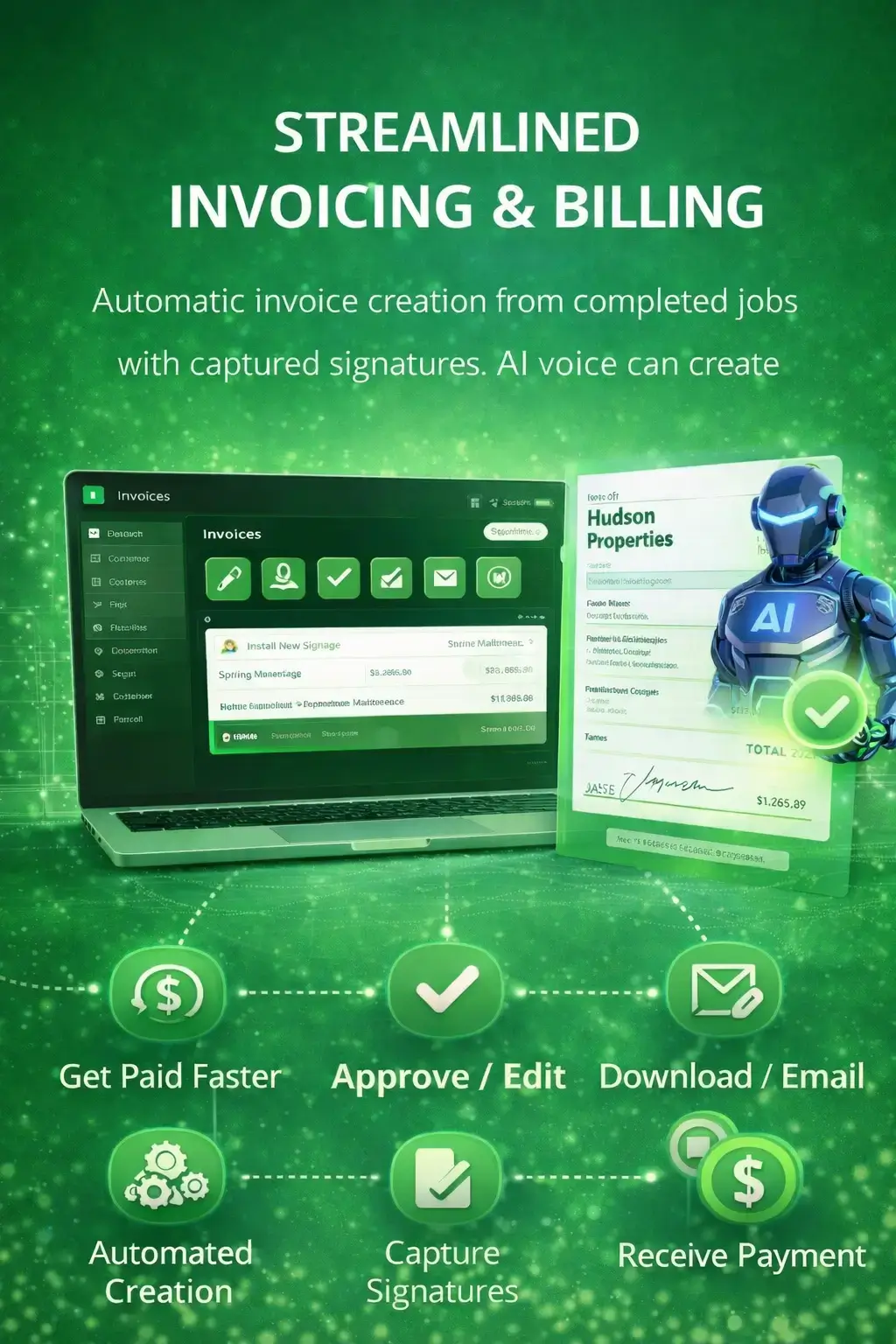
Get Paid Faster — With Less Effort

Invoices are generated from real job data — not recreated manually. Payments, balances, and approvals stay connected automatically.

  • Job-based invoicing
  • Online payment support
  • Faster billing cycles
  • Automatic status updates
Pain Relief No more chasing paperwork. No more missed charges. No more payment confusion.
Automated invoicing dashboard generating bills from completed job data with online payment status

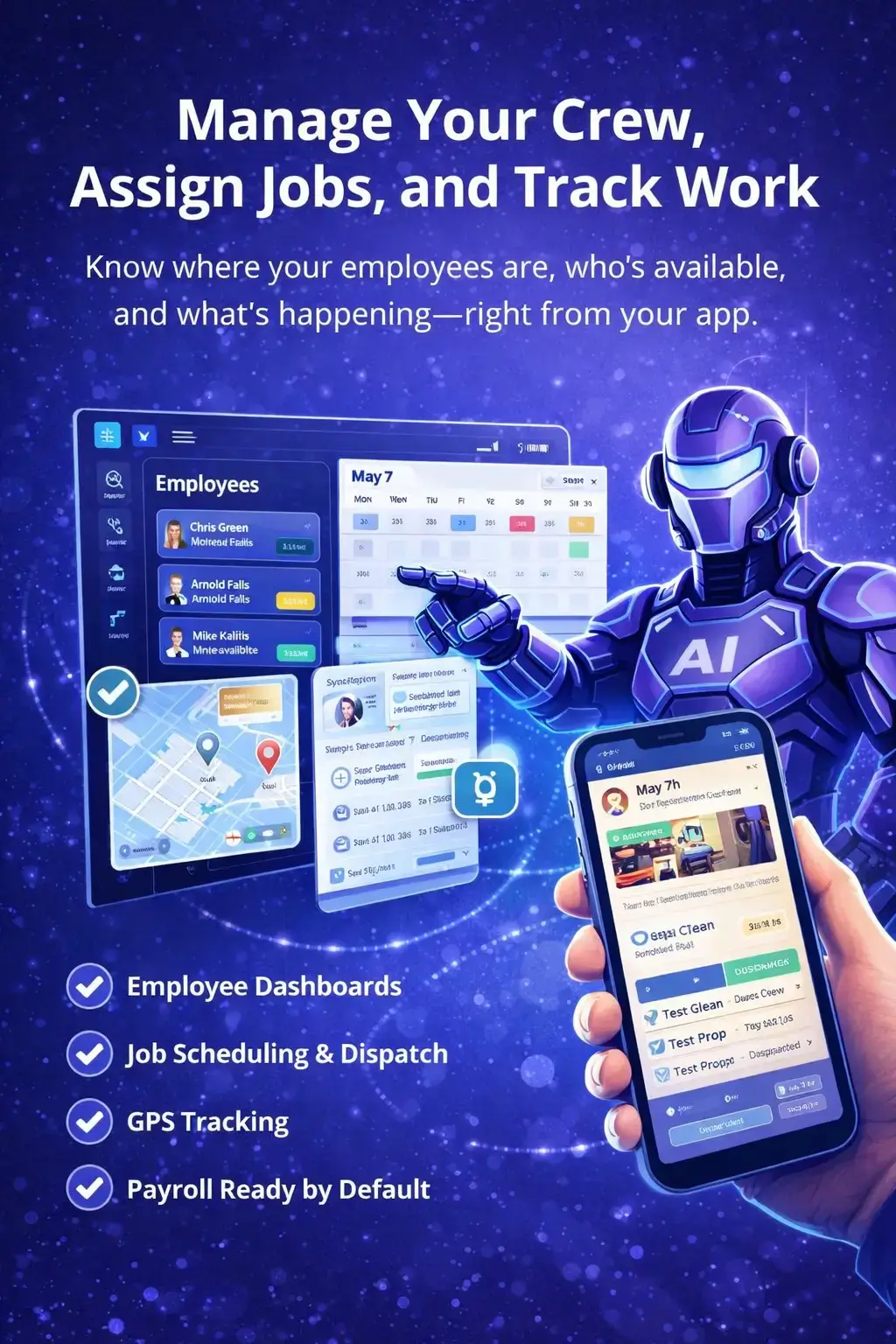
Crews, Employees & Time

Built for Crews — Not Clipboards

Track time, manage crews, and capture job activity without slowing anyone down.

  • Simple clock-in / clock-out
  • Time tied directly to jobs
  • GPS and activity logging
  • Clean audit trails
Pain Relief No more guessing hours. No more disputes. No more messy timecards.
Mobile time tracking app for field crews with GPS logging and job-linked clock-in system

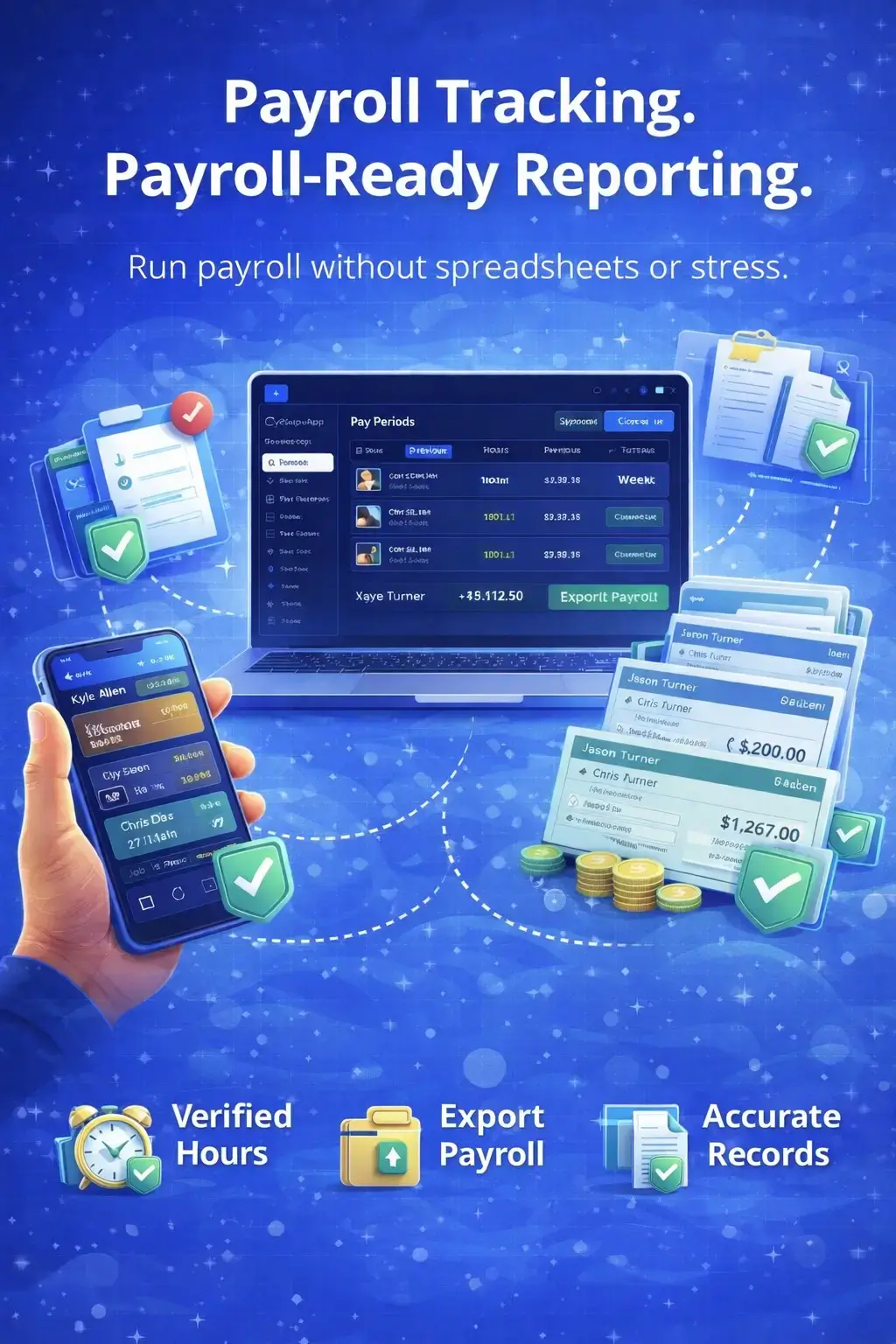
Payroll Tracking

Payroll Without Spreadsheets or Stress

Payroll data is built automatically from verified job and time data — ready when you are.

  • Accurate, payroll-ready reports
  • Verified hours per employee
  • One-click export
  • No duplicate entry
Pain Relief No more payroll chaos. No more manual math. No more second-guessing numbers.
Payroll-ready reporting dashboard displaying verified employee hours and one-click export tools

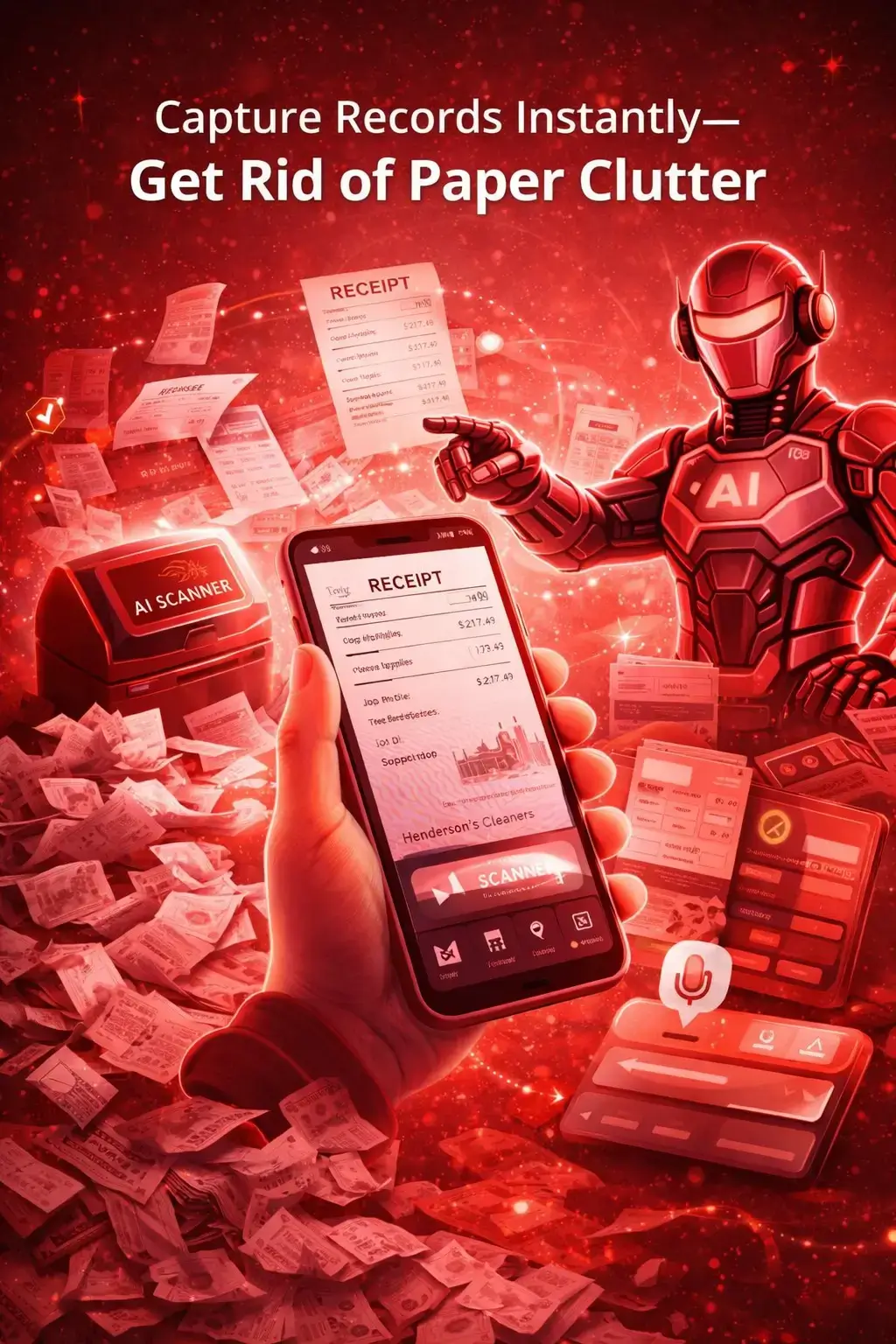
Bills & Expenses

Know Where Your Money Is Going — Instantly

Track bills and expenses the moment they happen — not weeks later.

  • Real-time expense tracking
  • AI Scanner for receipts
  • Connected to jobs and vendors
  • Clear profit visibility
Pain Relief No more shoebox receipts. No more forgotten expenses. No more end-of-month panic.
AI expense scanner capturing receipts and tying business costs to specific job profit margins

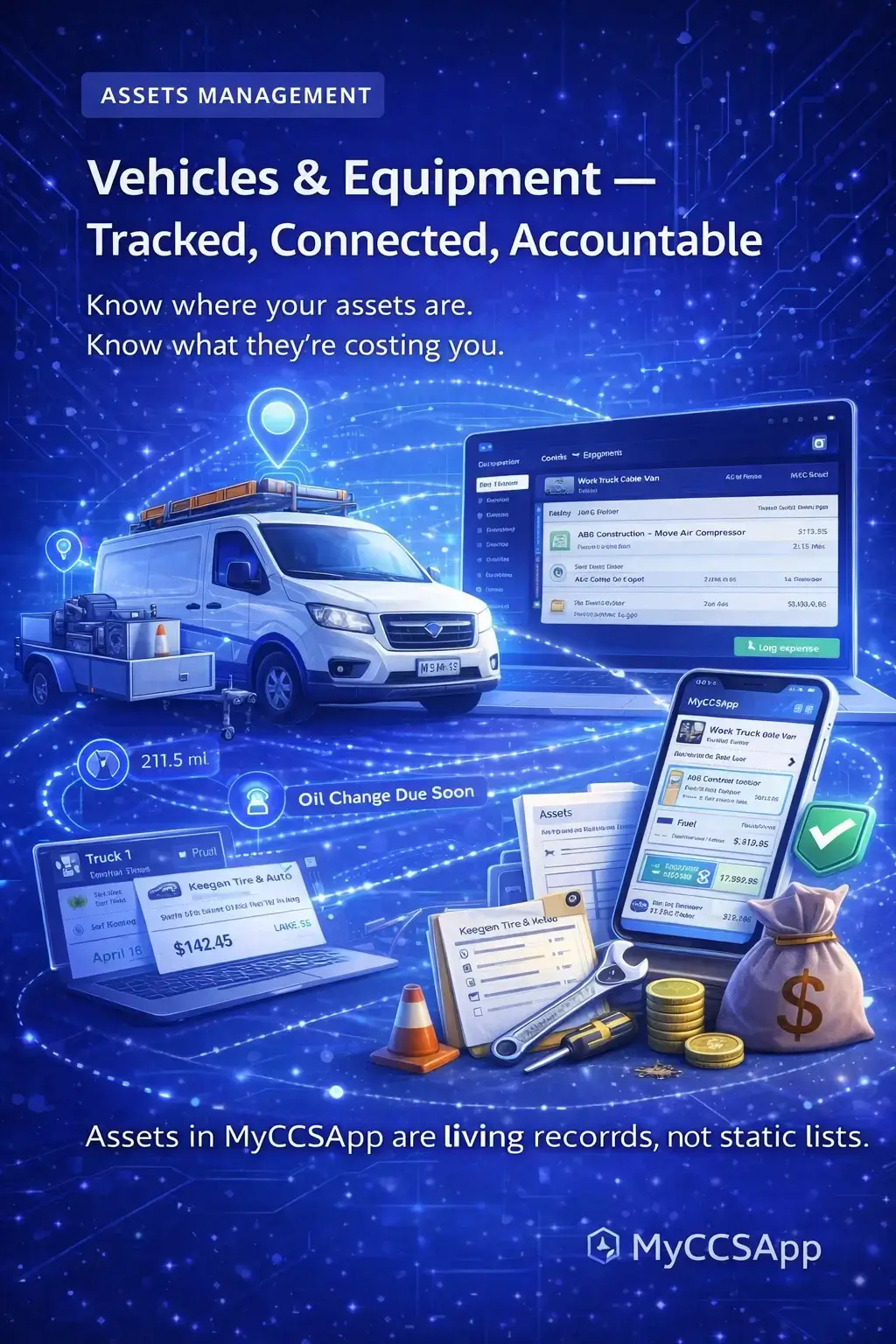
Assets: Vehicles & Equipment

Protect and Manage the Tools That Power Your Business

Track vehicles, equipment, and assets across jobs, crews, and maintenance cycles.

  • Vehicle and equipment profiles
  • Maintenance tracking
  • Assignment to jobs/crews
  • Cost tracking over time
Pain Relief No more lost tools. No more surprise breakdowns. No more asset blind spots.
Equipment and vehicle management dashboard tracking maintenance cycles and asset assignments

AI Automation

Your AI-Powered Business Assistant

MyCCSApp's AI doesn't replace your team — it removes busywork so they can focus on what matters.

  • AI Voice Assistant: Add leads & jobs by voice
  • AI Scanner: Scan receipts & business cards instantly
  • Daily Brief: Smart snapshot of what needs attention
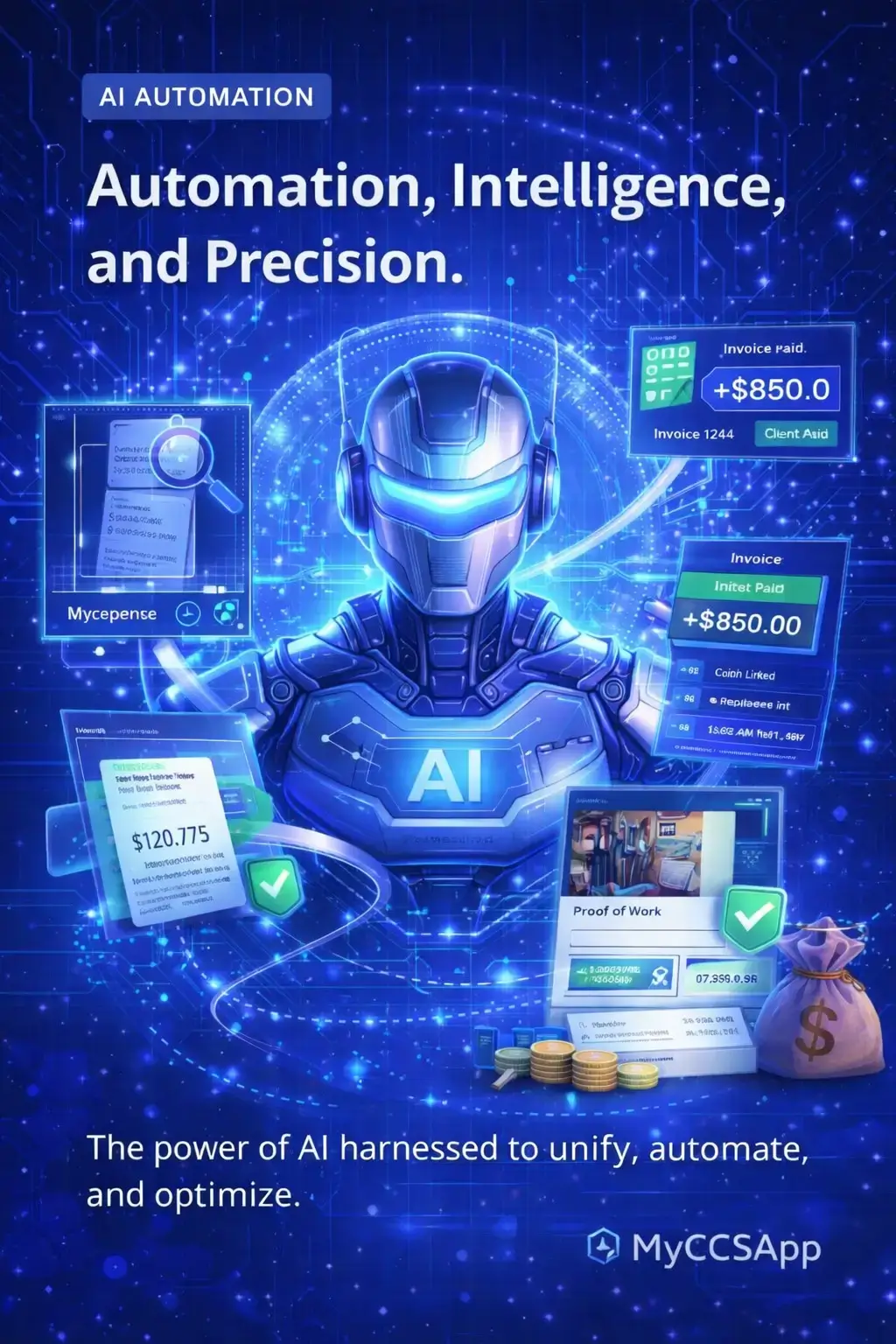
Pain Relief Less typing. Fewer clicks. Faster decisions. More time running the business.
MyCCSApp AI Assistant interface featuring voice lead capture and automated daily business briefs

Common Questions from Service Pros

Answers to everything about the MyCCSApp operating system.

Is MyCCSApp really an all-in-one system, or just a CRM with add-ons?
MyCCSApp is a true operating system, not a CRM with bolt-on features. Every core function—leads, customer CRM, jobs, scheduling, invoicing, payroll, assets, expenses, and AI—runs inside one connected data model.

That means:
  • No syncing between tools
  • No duplicate entry
  • No broken workflows
  • No “export this, import that”
When something changes in one place, it updates everywhere automatically.
How is MyCCSApp different from Jobber, ServiceTitan, or other field service software?
Most platforms are built for one trade, rigid, heavy on admin, and expensive as you grow. MyCCSApp is different because it’s built around how service businesses actually operate. See the full comparison here.

Key differences:
  • One shared system across sales, operations, billing, payroll, and assets
  • Designed by a real service business owner
  • Mobile-first, field-friendly UI
  • Automation without complexity
  • Flexible across industries
You don’t adapt your business to the software—the software adapts to you.
Can I use MyCCSApp if my industry isn’t listed?
Yes—absolutely. MyCCSApp is industry-agnostic by design. If your business manages Customers, Jobs, Crews, Invoices, Payroll, and Assets… it fits.

Industry pages simply highlight tailored workflows, but the core system works for any service business—from one-person operations to multi-crew companies.
Do all features share the same data automatically?
Yes. That’s the foundation of MyCCSApp. There is one source of truth, not separate modules pretending to be connected.

Examples:
  • A lead becomes a customer
  • A customer becomes a job
  • A job creates labor hours
  • Labor hours roll into payroll
  • Job completion triggers invoices
  • Invoices affect revenue reporting
How does scheduling and dispatch actually work in the real world?
Scheduling in MyCCSApp is designed for speed and clarity. It works whether you’re in the office, on a job site, or on your phone between stops.

You can:
  • Assign jobs to crews instantly
  • View schedules by day, week, or crew
  • Handle recurring jobs effortlessly
  • Dispatch updates to mobile devices
  • Track job progress in real time
How does time tracking connect to payroll?
Time tracking feeds payroll automatically. When it’s time to run payroll, everything is already calculated and ready.
  • Employees clock in/out on mobile
  • Hours attach to jobs and pay periods
  • Verified hours roll into payroll reports
  • No spreadsheets, no manual calculations
What does “Payroll-Ready Reporting” actually mean?
It means when you’re ready to run payroll, hours are verified, pay rates are applied, totals are calculated, and reports are exportable in seconds. MyCCSApp eliminates the painful prep work so payroll takes minutes instead of hours.
How does MyCCSApp handle expenses and bills?
Expenses and bills are fully integrated into your operation. No more lost receipts or forgotten costs.
  • Log expenses manually or via AI Scanner
  • Attach receipts and documentation
  • Track bills by vendor or category
  • Tie expenses to jobs or assets for true profitability
What is the AI Scanner and how does it help?
The AI Scanner lets you capture information instantly using your phone. The AI extracts data, fills fields, and connects it to the right place—saving massive time.
  • Receipts → Expenses
  • Business cards → Leads or Customers
  • Invoices → Payments or records
  • Documents → Stored and linked automatically
What can I do with AI Voice right now?
AI Voice allows hands-free creation of key records including Leads, Customers, Employees, Jobs, Expenses, and Scheduled work. It’s designed for real-world speed, especially when you’re driving, working, or in the field.
What are AI Insights and the Daily Brief?
AI Insights act like a digital operations assistant that helps you run the business, not just track it.

You receive:
  • Daily summaries of what matters
  • Alerts for overdue items
  • Financial snapshots
  • Operational visibility without digging through dashboards
Is MyCCSApp mobile-friendly?
Yes—MyCCSApp is mobile-first, not desktop-adapted. Everything works on phones, tablets, and desktops. Field teams can operate fully from their devices without needing office support.
Can employees see everything in the system?
No. MyCCSApp uses secure role-based access. Owners see everything, managers see what they need, and employees see only relevant data.
Will MyCCSApp scale as my business grows?
Yes. MyCCSApp scales from solo operators to small crews and multi-location service companies. You won’t outgrow it or need to migrate later.
Is MyCCSApp hard to set up?
No. The system is designed to get you operational quickly and avoid complex configuration. Most businesses can start running jobs and invoices the same day.
Do I need to use every feature?
No. You can start with what you need now and activate more features as you grow. Everything is already connected—you’re just unlocking more power over time.
Is there a free trial?
Yes. You can explore MyCCSApp and see how the features work together before committing. Start your trial here.