
AI-Powered Invoicing Built for
Real Service Businesses.
Stop creating invoices after hours. MyCCSApp auto-generates, tracks, and sends invoices the moment the job is done.
- ✓ No Spreadsheets
- ✓ No Double Entry
- ✓ No Missed Payments
AI Workflow: Watch MyCCSApp’s automated engine convert a completed job into a professional invoice with zero manual entry.
AI That Actually Runs Your Business
Auto-Invoice Creation
When a job is marked complete, MyCCSApp automatically compiles notes and photos into a finalized invoice ready for the customer.
AI Voice Logs
Technicians can dictate job updates hands-free. AI transcribes descriptions directly into the invoice so customers see exactly what work was performed.
Automated Tracking
Track every sent invoice and pending payment automatically. Never let a job go unpaid because you forgot to follow up.
Job-to-Bank in 4 Steps.
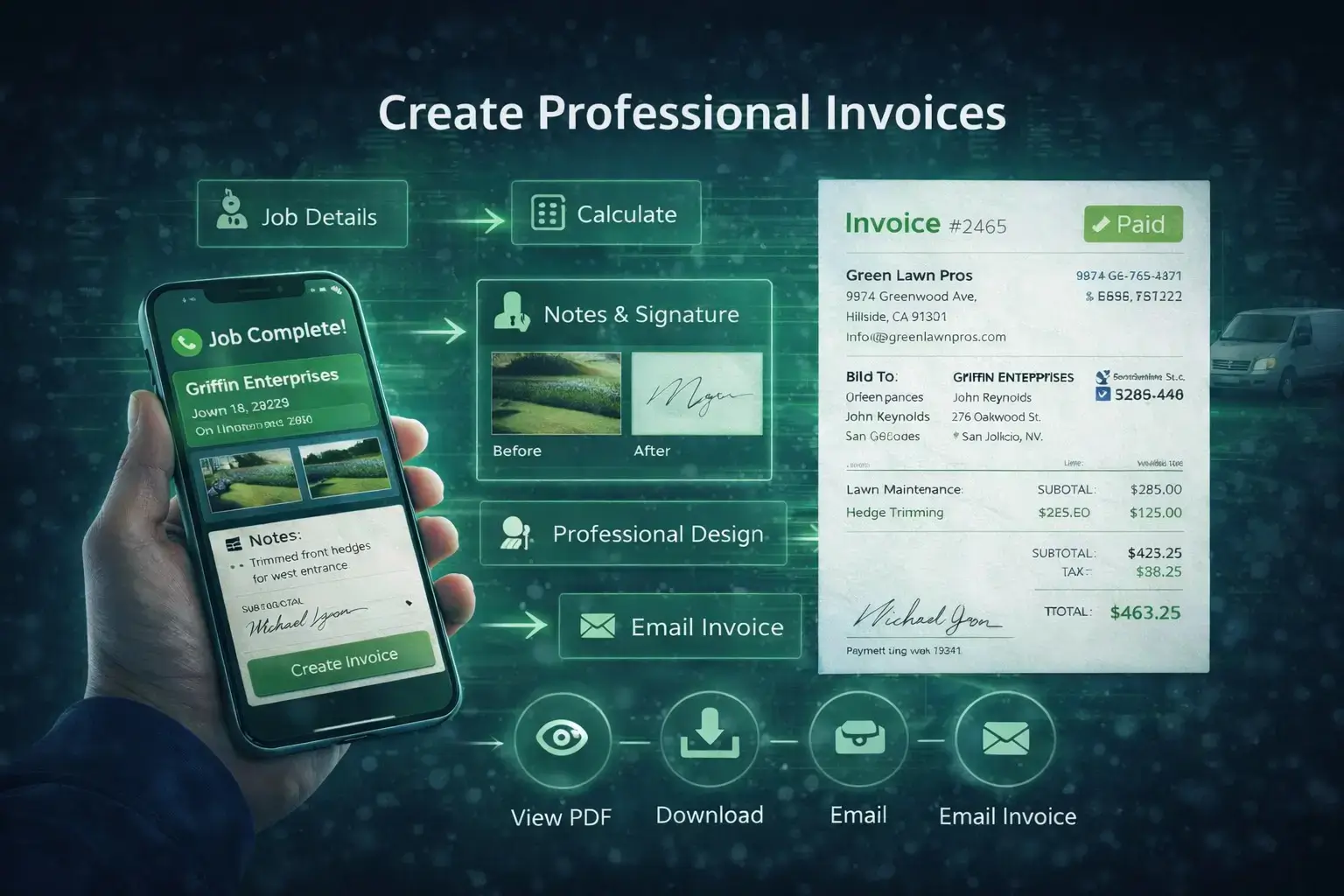
Generate Anywhere
Create invoices directly from completed jobs, scheduled work, or customer records. Job details, pricing, and notes flow automatically so you never have to re-enter data.
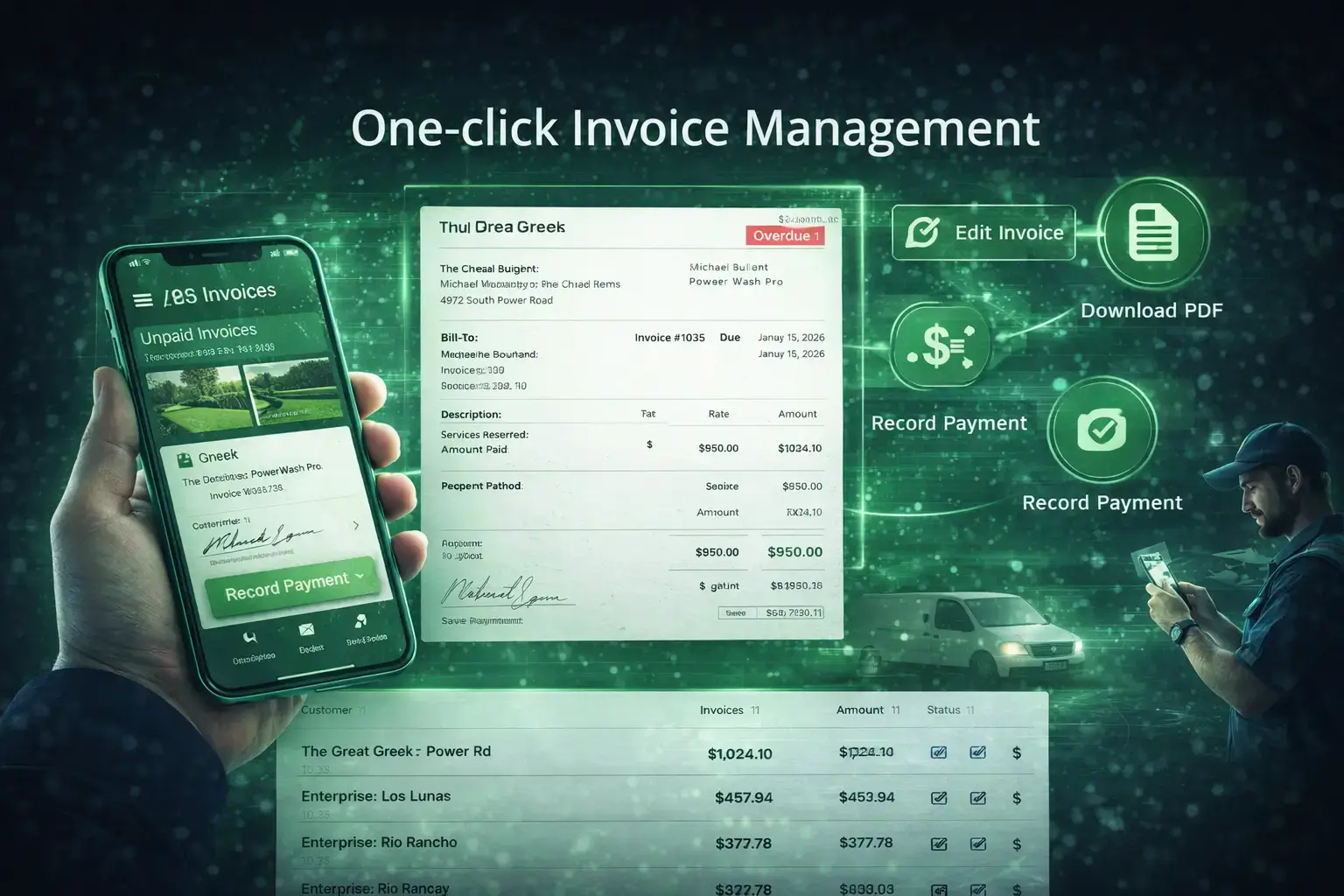
Seamless Management
Manage billing without leaving the page. Open invoice details, edit line items, download PDFs, or record payments instantly inside clean, fast modal windows.
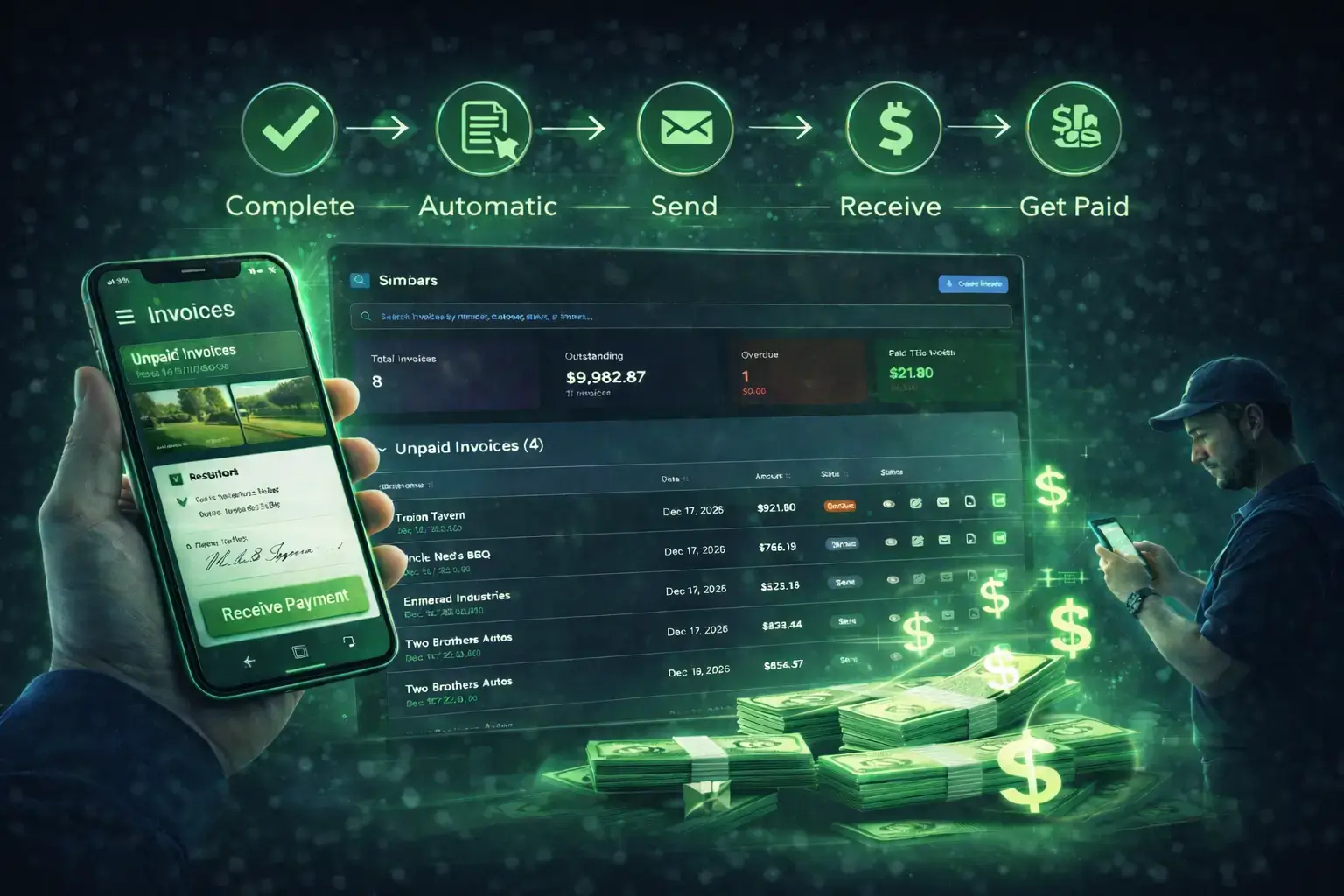
One-Tap Delivery
Send professional PDF invoices via email instantly. Track when they are sent and view delivery activity in the timeline without manual attachments.
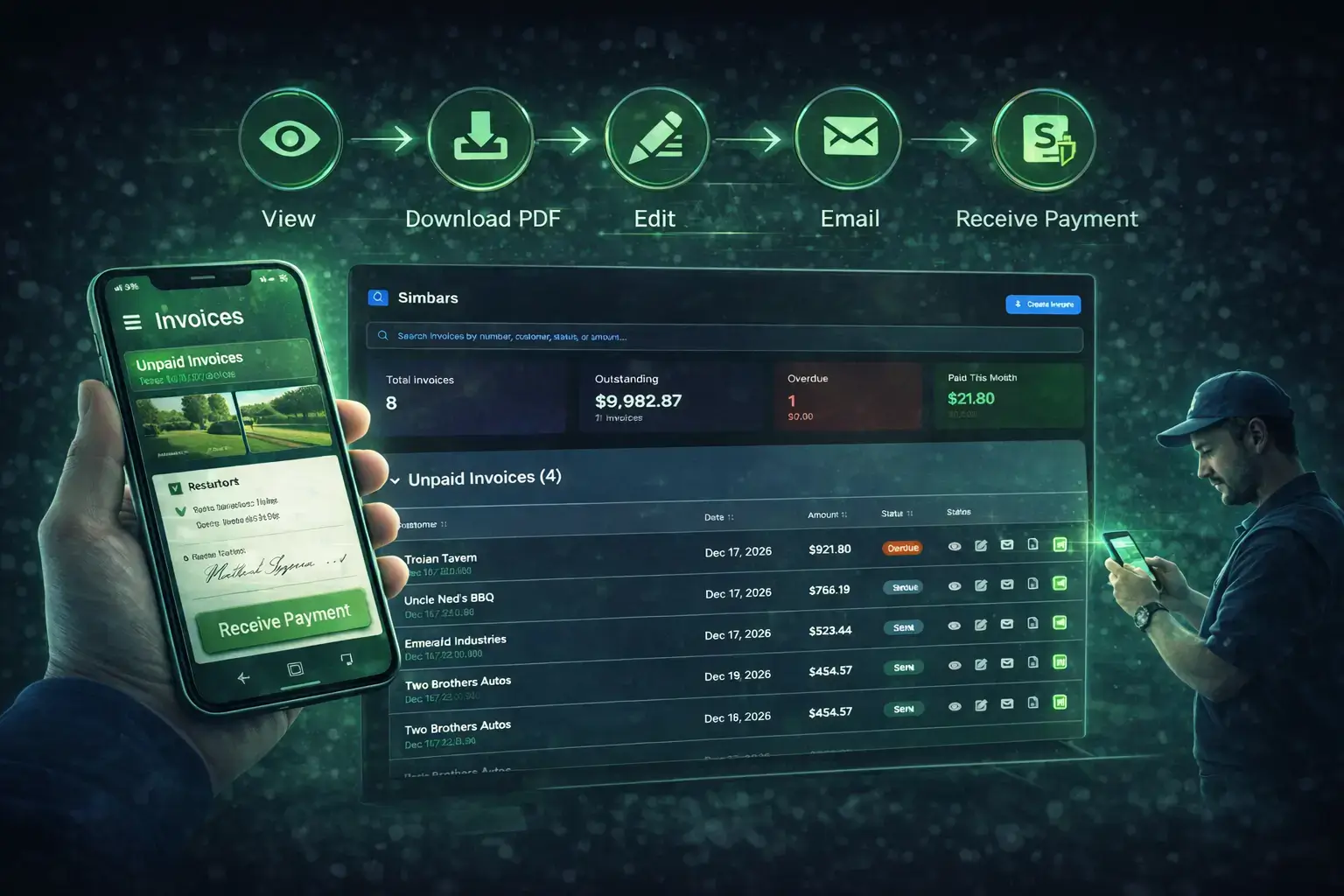
Real-Time Tracking
Record full or partial payments instantly. Track unpaid, overdue, and paid invoices at a glance to keep your cash flow visible and eliminate confusion.
Real-Time Profit & Loss
Your P&L isn't something you wait until tax season for. By syncing field labor and material expenses in real-time, MyCCSApp provides a living view of your profitability on every single job.
Sales by Customer & Technician
Identify your "Power Customers" and top-performing techs. Our reporting engine ranks settled revenue so you can focus your marketing and management where the ROI is highest.
Tax-Ready Financial Audits
Stop the shoebox of receipts. Every invoice, payment, and expense is time-stamped and categorized automatically, creating a clean, unalterable trail for your accountant.
MyCCSApp vs. The "Big" Software
Jobber / ServiceTitan
- Manual Data Entry & Invoicing
- No Native AI Workflow
- Disconnected Scheduling & Billing
- High Monthly Overhead
- Steep Learning Curve
MyCCSApp Invoicing
- AI-Driven Automated Workflow
- Auto-Created from Jobs
- Hands-Free Voice Dictation Logs
- One-Tap PDF Delivery
- Built-In Stripe Payment Tracking
Built to match your workflow.
Invoicing shouldn't be a separate task. MyCCSApp makes professional billing a natural part of your daily operations.
AI Payment Scanner
Effortlessly scan payment receipts or deposit records. Our AI detects amounts and intelligently matches payments to your open invoices.
Mobile Invoicing
Create, edit, and send professional invoices directly from the field. Whether you're in the truck or at the job site, billing stays simple.
Seamless Connection
Invoices link instantly to jobs. The second a job is marked complete, the invoice is available in the Customer Portal for immediate viewing.
Professional PDFs
Generate clean, branded PDF invoices instantly for customers who require formal documentation or physical copies for their records.
Activity Timeline
Stop guessing. View a clear, real-time history of every invoice action: Created, Sent, Viewed by customer, and Paid.
Online Payments
Send secure payment links via email. Clients pay instantly through the portal, and MyCCSApp automatically marks the job 'Paid' in real-time.
Professional Billing. Every Trade.
MyCCSApp automates the transition from completed job to professional invoice, giving your customers a seamless way to view and pay instantly.
Carpet Cleaning Invoicing Software
- Automated invoice creation from jobs.
- Digital signature capture on-site.
- PDF downloads via Client Portal.
Pressure Washing Invoicing App
- Send bills via email or SMS instantly.
- Job-to-Invoice automatic data sync.
- Professional, mobile-ready templates.
Auto Detailing Billing Software
- Package-based line item automation.
- Instant mobile payment processing.
- Automated receipts for detailing clients.
Plumbing Invoicing & Payments
- Service-call billing and material logs.
- Integrated credit card processing.
- Recurring maintenance contract billing.
HVAC Service Billing Software
- Part-specific invoice line items.
- Detailed unit history on invoices.
- Speedy on-site digital payments.
Pest Control Invoicing Software
- Subscription & recurring billing automation.
- Automated payment reminders & follow-ups.
- Detailed service report attachments.
Landscaping Invoicing Software
- Manage monthly mowing service subs.
- Project-based progress billing logs.
- Simple, one-click bulk invoicing.
Frequently Asked Questions
How does invoicing work in MyCCSApp?
MyCCSApp connects invoicing directly to your jobs. When a job is completed via the scheduling module, an invoice is automatically created and queued for review. This ensures no revenue slips through the cracks.
Can I accept online payments from my customers?
Yes. MyCCSApp integrates directly with Stripe, allowing you to accept credit cards and online payments. Customers receive a secure link with their invoice where they can pay instantly, helping you get paid faster.
How do Stripe payments connect to my business?
You can connect your own Stripe account directly to MyCCSApp. When a customer pays, the funds go directly to your Stripe account, and the invoice is automatically marked as "Paid" in your billing dashboard.
Are invoices created automatically when jobs are completed?
Yes. When a job is marked complete, MyCCSApp automatically generates a draft invoice with all job details, pricing, and services included. You simply review and approve it — no re-entering data from your dispatch logs.
Can I approve invoices before they are sent?
Absolutely. Every automatically generated invoice is created in a review state, giving you full control. You can review job details, adjust pricing, and add notes before sending the invoice to the profile in your customer CRM.
Does MyCCSApp support scanning payment receipts?
Yes. MyCCSApp includes an AI receipt scanner that allows you to upload or photograph payment receipts. The AI reads the receipt and applies payments accurately, saving hours of manual data entry.
Can I manage invoicing entirely from my phone?
Yes. MyCCSApp was designed mobile-first, allowing you to review invoices, record payments, and email PDFs directly from your phone while on a job site using our AI voice commands or dashboard.
Who is MyCCSApp invoicing designed for?
MyCCSApp is designed for service-based businesses, including specialized pressure washing businesses and HVAC companies. If you dispatch crews and bill for services, this system is built to simplify your workflow.
Simple pricing that scales with your business.
- Up to 3 users
- Unlimited customers
- Unlimited Invoices
- AI Scanner & Voice
- Up to 10 users
- Unlimited customers
- Unlimited Invoices
- AI Scanner & Voice
The bill is paid.
Now, protect your margins.
Revenue is only one side of the coin. Seamlessly track fuel, materials, and overhead to ensure every dollar collected stays in your pocket with high-performance expense management.
Master Bills & ExpensesOne Neural Ecosystem.
MyCCSApp isn’t a collection of tools — it’s an Autonomous Operating System where every lead, job, and dollar is connected in a single, high-performance lifecycle.